Four stages. One program. Audio running.
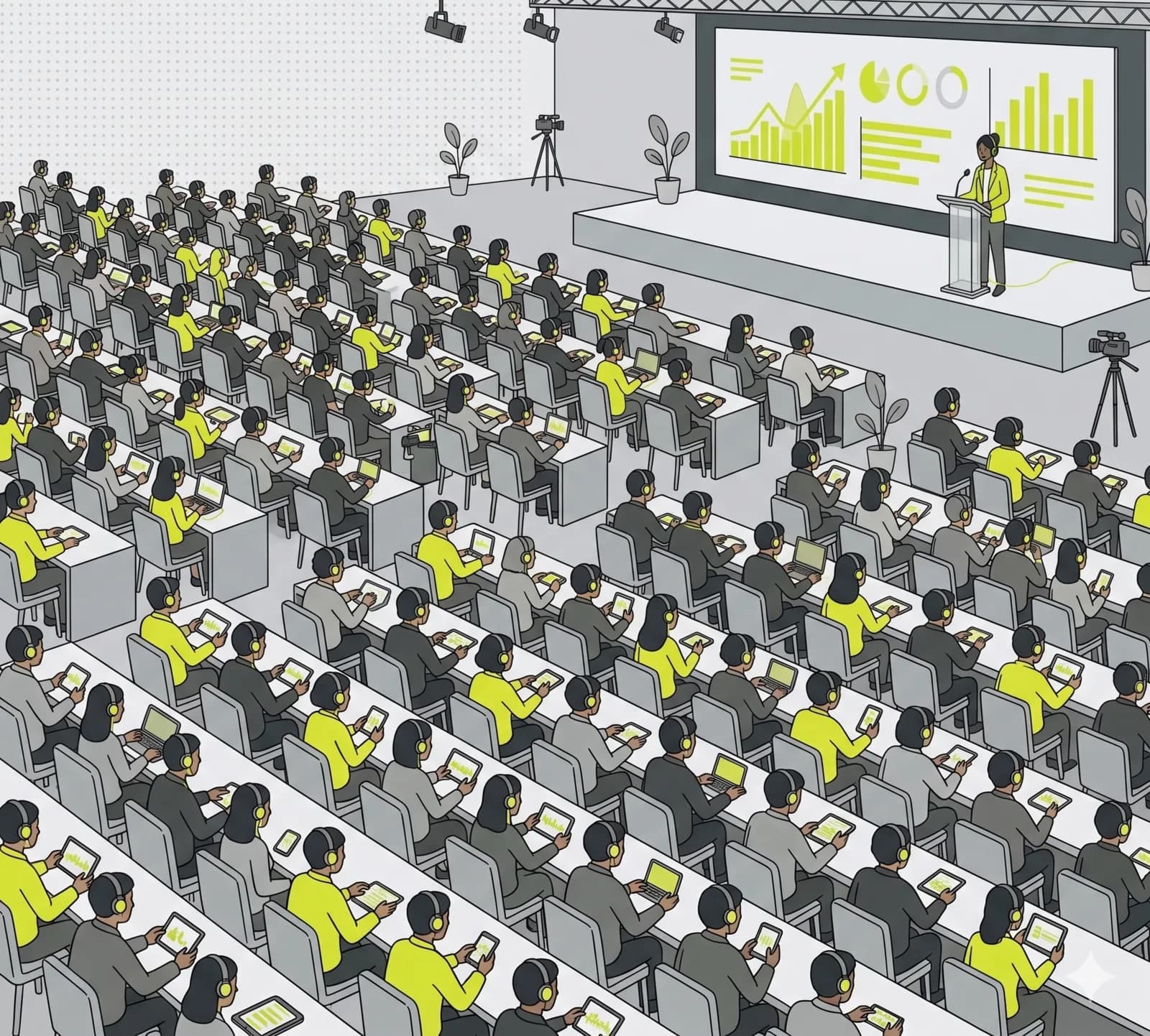
Conference with side stages, workshops and VIP rooms. Each stage is a channel, each channel a URL. Listeners switch sessions with a click, speakers stay in their room. An international audience follows every stage live in their own language, with subtitles or a translated voice.
What matters most.
Multiple rooms in parallel
Stage A, Stage B, workshop, VIP room. Each channel broadcasts independently. Listeners switch with a click.
Public or PIN-protected
Main stages open, sponsor and VIP rooms PIN-protected. Switch per channel any time.
OBS source
Embed a channel as a browser source in OBS. Combine audio with stage video and stream to YouTube or Twitch.
How to set it up.
- 01
Create channels per stage
Stage A, Stage B, workshop, VIP. Each stage gets its own permanent URL and visibility setting.
- 02
Assign speakers and hosts
Per channel host (leads) and speaker (joins). External speakers via token link, default valid 7 days.
- 03
Schedule sessions ahead
Add broadcast slots per channel. Listeners see a program in the waiting screen. Optional weekday recurrence for multi-day events.
- 04
Send listeners to URLs
Program overview with all channels, listeners switch sessions. Org embed for the conference website.
Common questions.
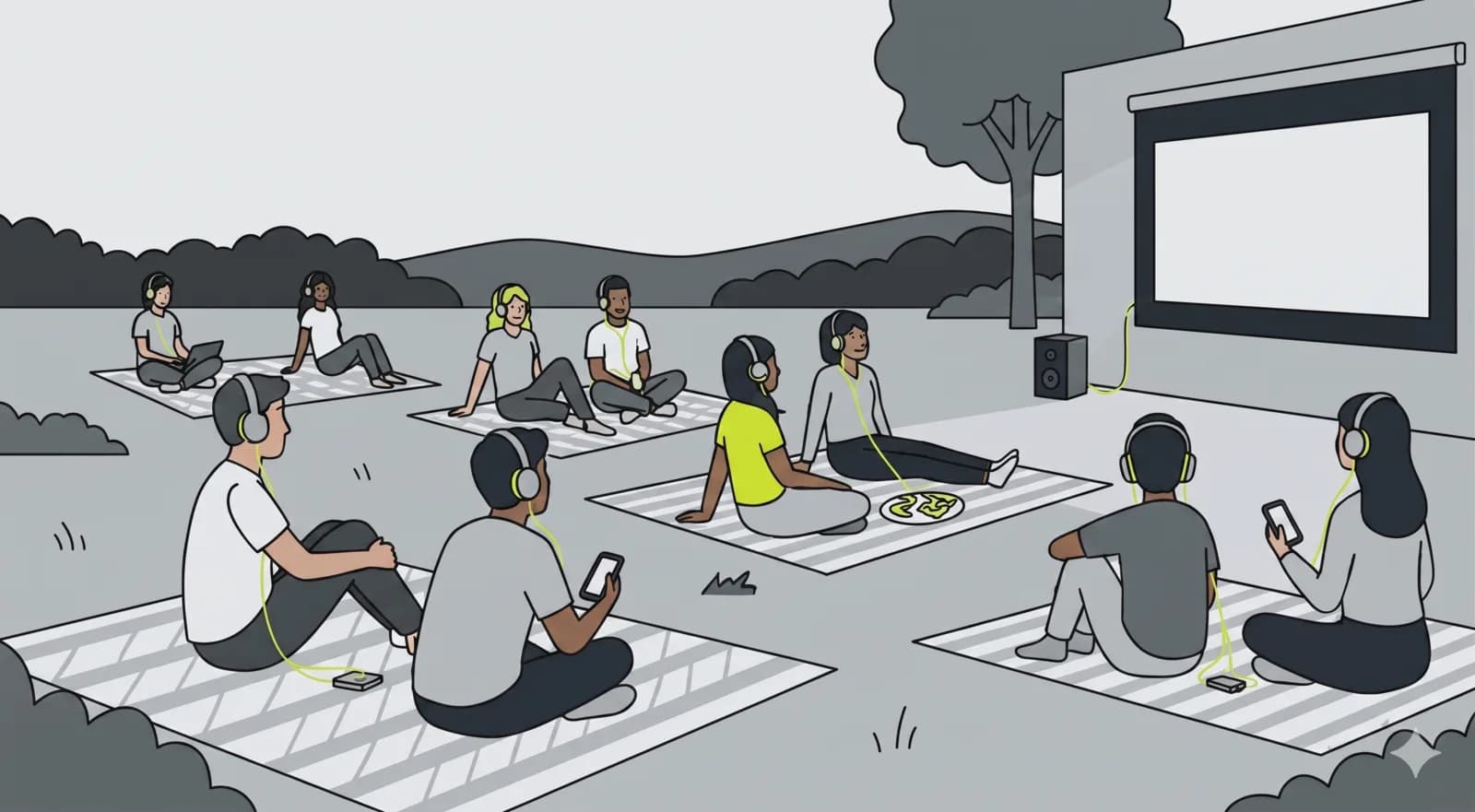
Yes. At trade fairs, congresses and conferences, visitors hear the talk on their own phone in their language, with live subtitles or a translated voice-over. It replaces a classic interpretation or tour-guide system with radio receivers: no hardware rental, no app install, a QR code is enough.
Related use cases.
Program in. Live stages out.
Set up your event in under an hour. All channels, speakers and URLs on one platform.