Your show. Live from the browser.
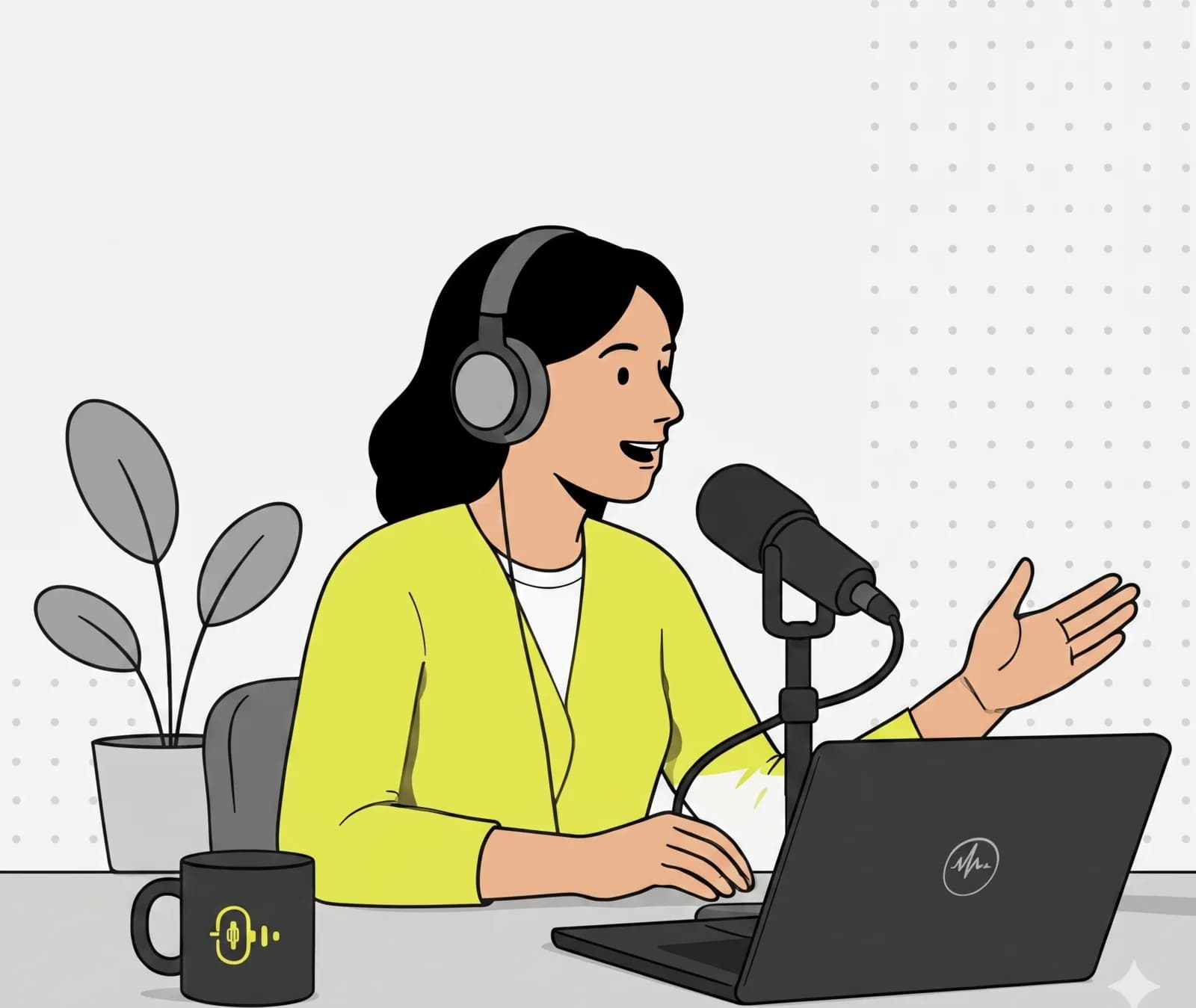
Open the browser, open the studio, go. Three guests join via speak link, you balance each level in the mixer, the episode runs live on your show URL. No DAW export, no editing overhead, no Zoom workaround.
What matters most.
Studio in the browser
Pick a microphone, check levels, turn on echo cancellation. Three clicks to broadcast-ready. No drivers, no plugin.
Guests via one link
Generate a speak token, send it to your guest by DM. They click, allow the mic, and you take them on air with the mute toggle.
Permanent show URL
Listeners bookmark once. Episode 12 runs on the same URL as episode 1. Waiting screen between shows with cover and description.
How to set it up.
- 01
Create a show channel
Show name, URL slug, cover image, short description. Visibility set to public, fully configured in two minutes.
- 02
Schedule the broadcast
Set date and time in the stream launcher. Optional weekday recurrence for fixed slots: Wednesday 8 pm, every week.
- 03
Invite guests
Generate a speak link per guest (default valid 7 days). Send by mail or chat. Guest clicks, allows the mic, lands in the studio.
- 04
Start the stream
Go live with one click. Fine-tune levels during the show, approve Q&A questions, push announcements. Stats available after the show.
Common questions.
Yes. Enable recordings on the channel and each live episode is captured. Hosts and admins can play back or download the recording afterwards, so you can keep an archive or publish the episode elsewhere yourself.
Related use cases.
One URL. One episode per week. One show.
Start free, set up your first channel in under a minute, run a test broadcast right away.