All-hands without Zoom fatigue.
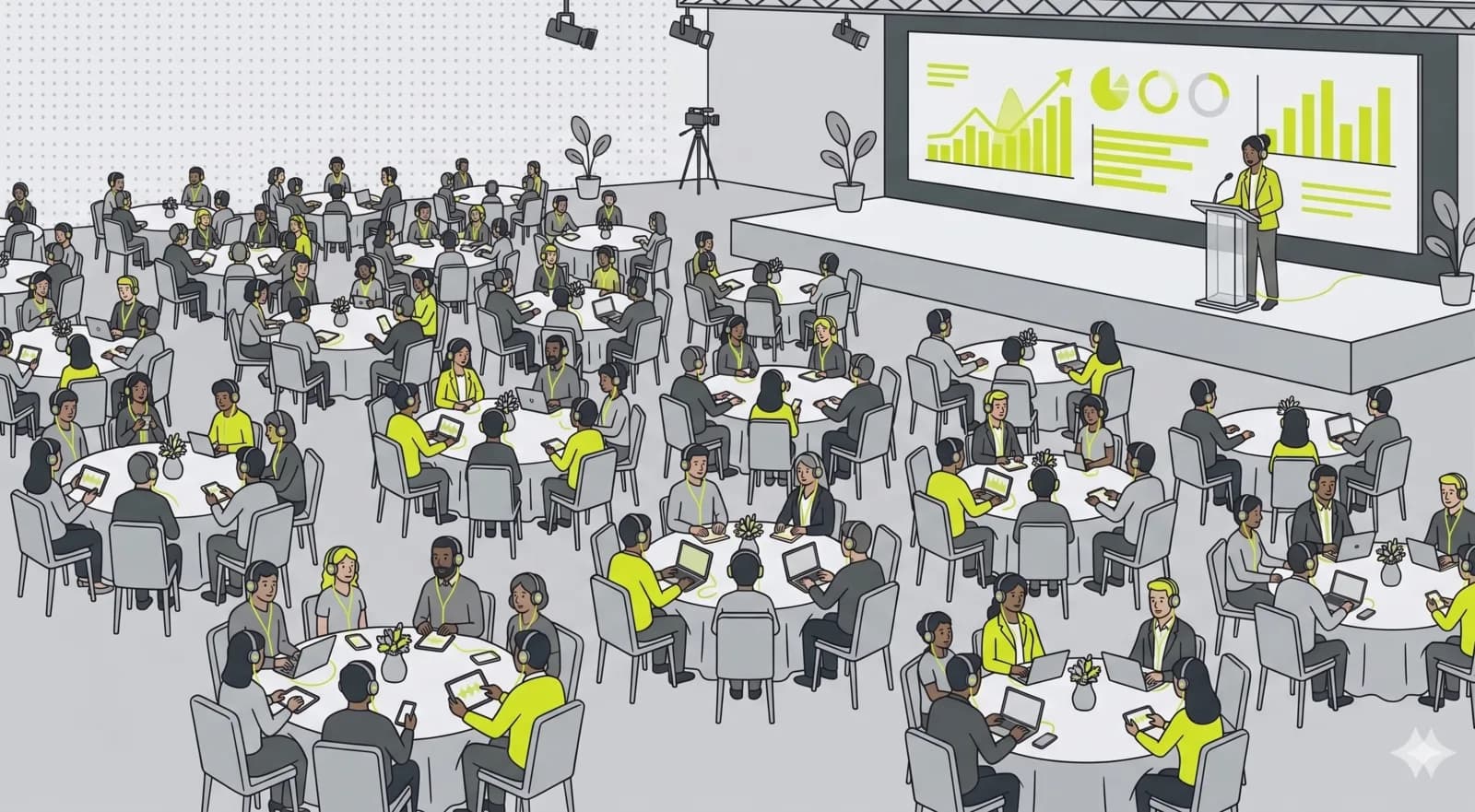
Audio over webcams. Q&A instead of reaction spam. PIN instead of an open link. The CEO talks, employees ask, you moderate live. No extra tool, no meeting fatigue.

What matters most.
Not-listed channel with PIN
Set visibility to not listed, assign a 6-digit PIN. Share it internally via Slack, email or intranet.
Moderated Q&A
Employees ask questions, pending ones stay invisible to others. You answer live: only then do question and answer become public.
Push announcements
Announce program changes, send break notes, share the slide deck link. Visible directly in every active listener's player.
How to set it up.
- 01
Create a not-listed channel
Set visibility to not listed, assign a PIN. Share the PIN internally only and rotate it when needed.
- 02
Define hosts and speakers
Who leads (host), who joins in (speaker). CEO and department lead as host, additional voices as speakers.
- 03
Enable Q&A in advance
In studio settings, enable questions. Add reactions if you want low-friction feedback.
- 04
Run the townhall
Employees join with the PIN, questions come in, you moderate live. Send announcements when the program changes.
Common questions.
Townhall streaming on OpenBooth is one-to-many audio, not a video call. Hosts speak, employees listen and ask through a moderated Q&A, and nobody has to switch on a webcam. No grid of faces, no meeting fatigue, just a clear broadcast on a stable link.
Related use cases.
All-hands. Cleanly moderated. Internal-only.
No meeting software, no webcam pressure. Just audio, well led, with a real Q&A workflow.